Key Takeaways
- Cutting MP3s online requires no software installation.
- Always use "fade-in" and "fade-out" for smoother ringtones.
- WAV format is better for editing, but MP3 is best for sharing.
- You can execute this guide on both Desktop and Mobile.
Whether you want to create a custom ringtone for your smartphone, trim a long podcast recording, or just extract your favorite part of a song, cutting audio files used to require complex software. In 2026, you can do it all directly in your browser.
In this guide, I will walk you through the exact steps to trim audio files without losing quality, using free online tools.
Why Use an Online MP3 Cutter?
Traditional software like Audacity is powerful, but it requires installation and has a steep learning curve. Online tools offer specific advantages:
- Speed: No installation required. Just upload and cut.
- Compatibility: Works on Windows, Mac, iPhone, and Android.
- Cloud Processing: Doesn't slow down your computer.
Step-by-Step Guide
Follow these simple steps to trim your audio file in seconds:
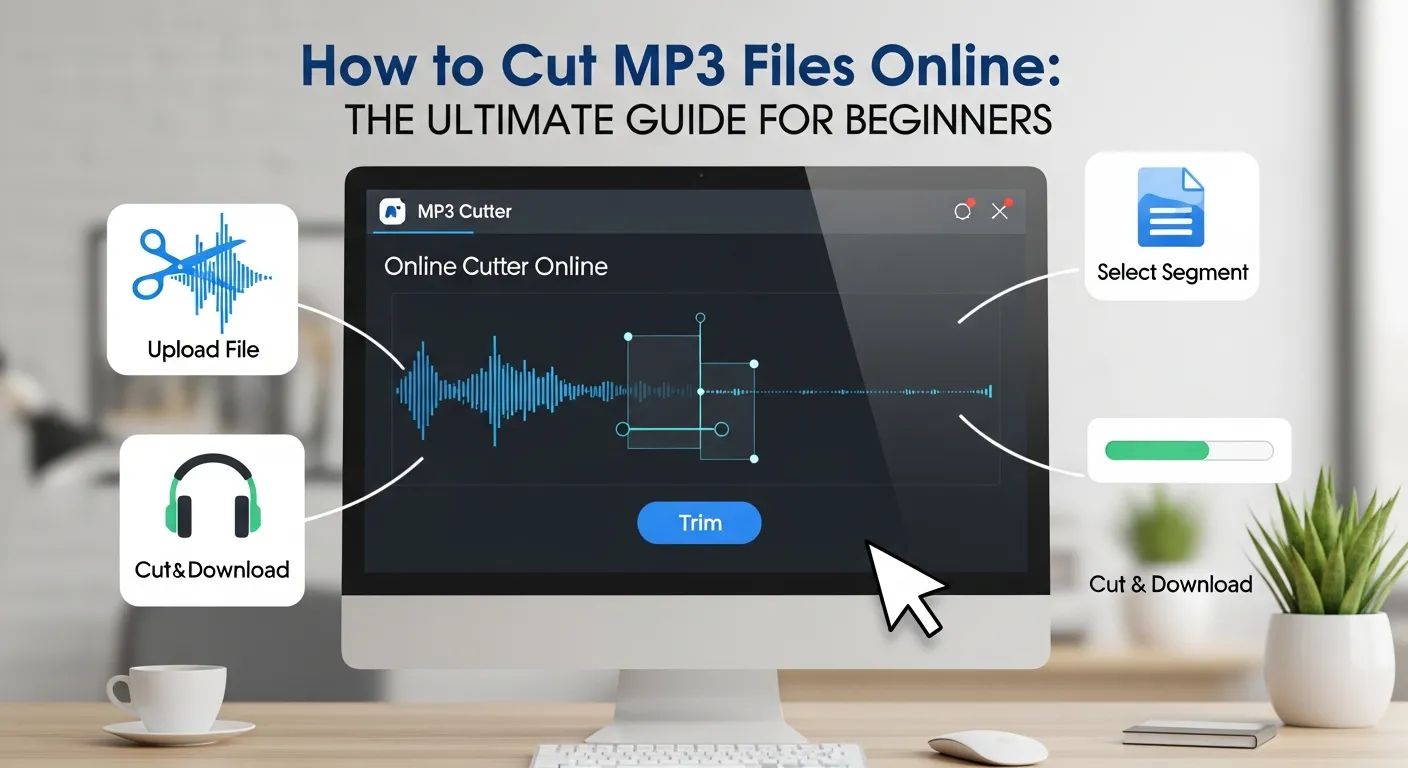
1. Upload Your Audio
Go to the MP3 Cutter tool. You can drag and drop your file or click "Choose File". Most tools support MP3, WAV, FLAC, and M4A formats.
2. Select the Segment
Once the waveform appears, you will see two sliders (handles) at the start and end of the track. Drag these handles to isolate the part of the song you want to keep.
You can also type in the exact Start and End times if you need precision down to the millisecond.
3. Apply Effects (Optional)
If you are making a ringtone, sudden cuts can sound harsh. Look for the "Fade In" and "Fade Out" options. Applying a 2-second fade makes the audio sound much more professional.
"The difference between an amateur cut and a professional one is usually just a simple Fade Out effect."
Common Questions
Does cutting reduce quality?
No. Modern online cutters use a technique called "lossless cutting" where the audio data is not re-encoded, preserving the original quality.
Conclusion
Cutting MP3 files doesn't need to be complicated. With browser-based tools, you can trim songs, create ringtones, and edit recordings in seconds. Ready to try it out?
About Adil Balti
Adil Balti is a results-driven SEO Specialist & Developer based in Islamabad, Pakistan. Creator of 30+ successful web tools and Chrome extensions, and Founder of What Is My Face Shape. I combine technical coding skills with SEO expertise to build digital assets that rank, convert, and generate revenue.